The User Settings (in the Settings menu) contains settings that are applicable to all the installations:
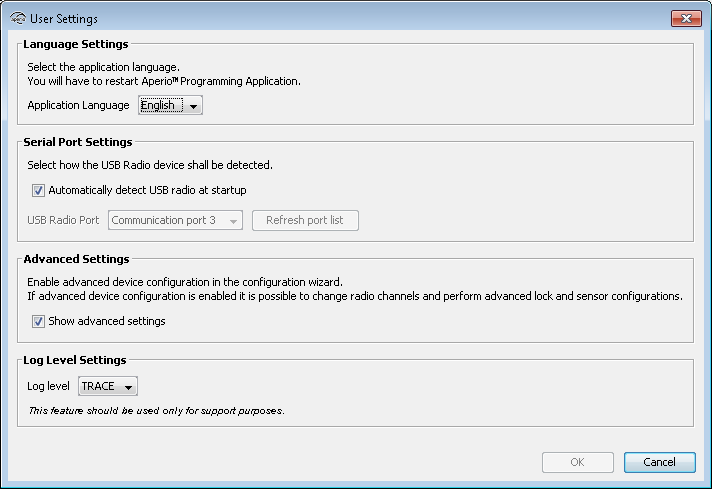
- Language settings: Select the language used by the Programming Application.
- Serial port settings: Automatically detects USB radio at start up: Uncheck this option to manually specify the port used by the USB Radio Dongle, in case of hardware conflict.
- Advanced settings: Check this box if you need to perform advanced hub and lock configurations: keypad configuration, advanced settings (changing the radio channel) and advanced lock settings.
- Log Level setting: Used for trouble shooting purposes. Contact your Aperio supplier for more information.