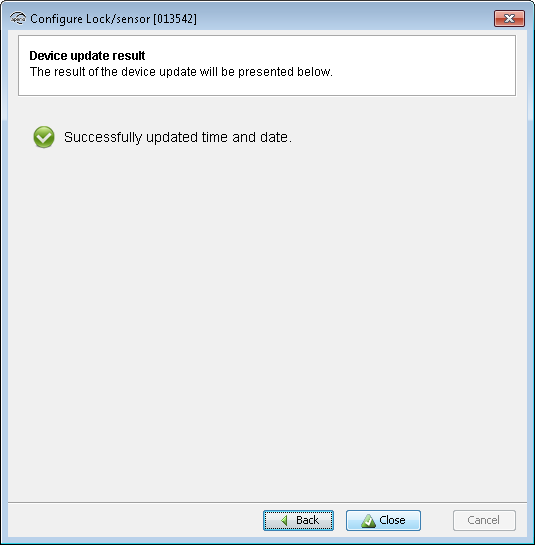
Follow these steps to set the time of a lock:
- Select the lock in the installation view.
- On the menu bar select and check that the Update device time during door
configuration checkbox is checked.
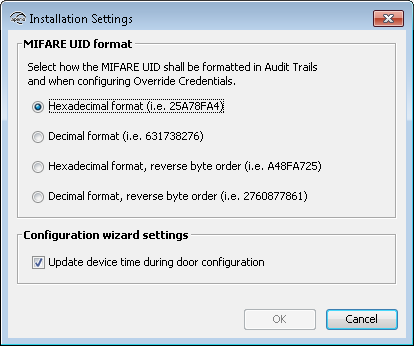
- Close the Installation Settings view. Right click and select . Click Next repeatedly until you reach the
Device Update window.

- Click Next.
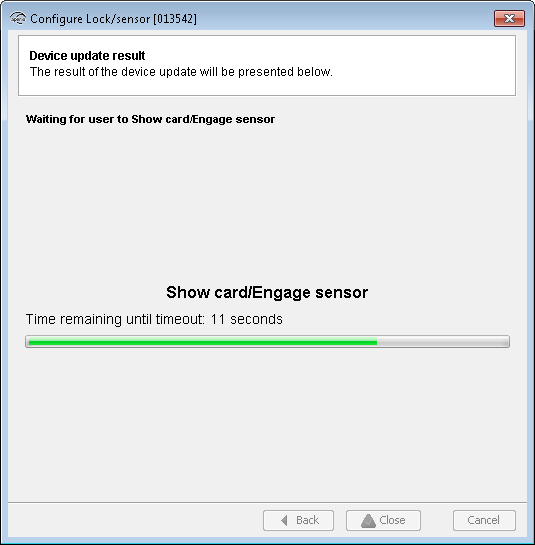
- Hold the credential at the lock, to update the time.Note: The time of the lock will now be automatically set each time you configure and update the device.
- Click Close to exit the device update configuration.