- On the File menu, select Export/Import
Configurations.
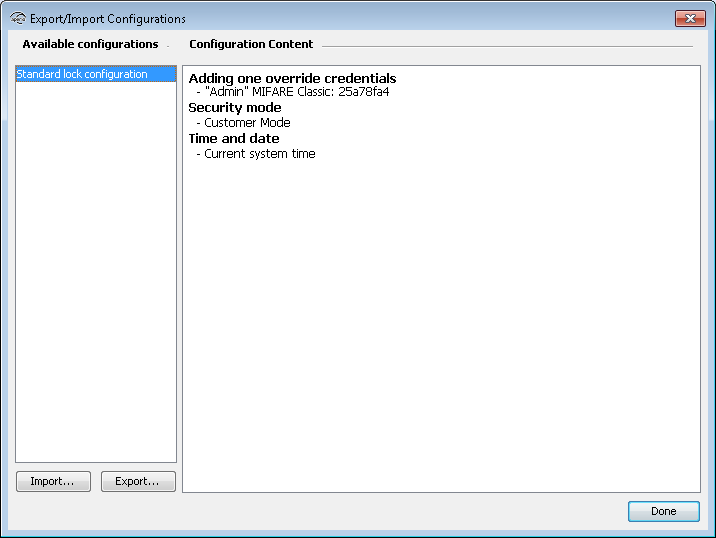
- Select the configuration that should be exported to file and click Export.
- Select the folder where you want to store the configuration, chose a filename and click Save.
- Choose a password that will be used when importing the particular configuration, confirm
it and click OK.
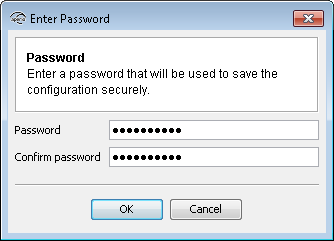
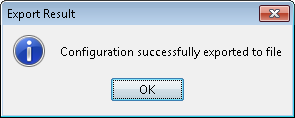 Note: The password must contain at least 8 characters.