- After opening an installation the scanning process starts automatically. To manually scan
for communciation hubs, select (F7). (If your communication hub is not found on the default channels, retry and
select Scan (Ctrl+F7), which searches on all channels.)

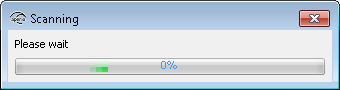 Result: All communication hubs within reach of the USB Radio device of your computer are displayed in the scan result table.
- Locate a communication hub by the last four characters of the communication hub MAC address (ex. 01CF) in the scan result table. The same characters should be on a label on the cover of the communication hub. Click Rescan if the communication hubs that you want to configure are not shown in the list.
- Select the communication hub(s) to be included in your installation. Click Show
details to view detailed information in the installation view.
