This function displays the event log for a particular lock (not available for sensor), where you can find all system events performed on the lock.
- Right click and select

- Hold the credential at the lock.
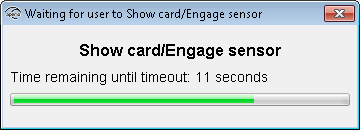 Result: Successful reading initiates the download of the event log.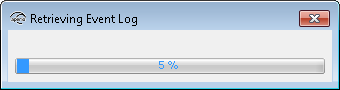
- In the event log window, click Save As to save the information to a
txt file or click Close to exit without saving.

The window contains information of system events including consecutive number, date, and what type of system event that was performed. (If the number of events exceeds 200 older events are overwritten.)