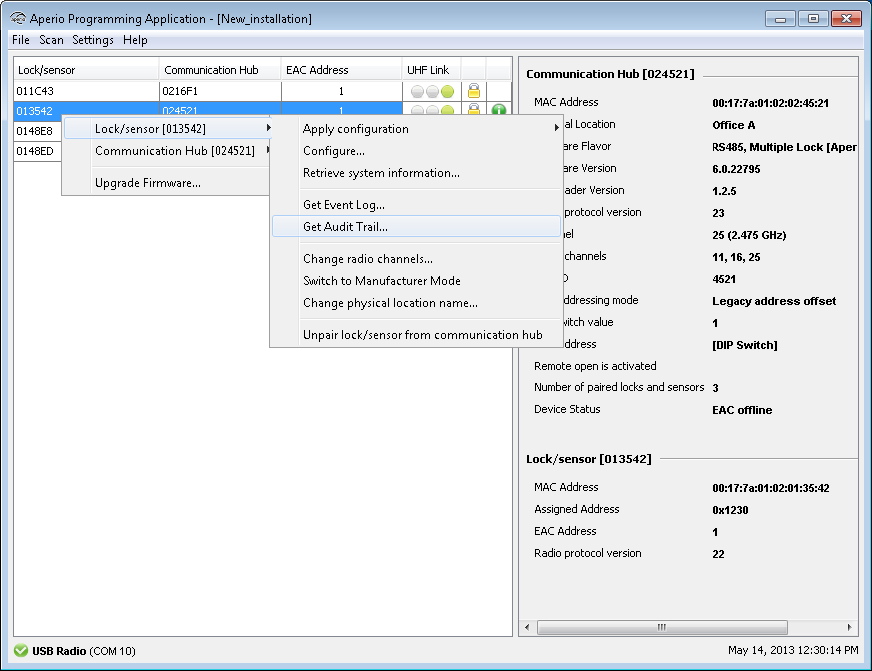
This function displays a complete list of all access attempts for a particular lock (not available for sensor).
- Right click and select
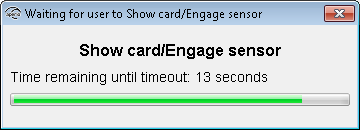
- Hold the credential at the lock.
 Result: Successful reading initiates the download of the audit trail.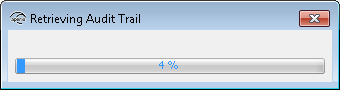
- In the audit trail window, click Save As to save the information to
a txt file or click Close to exit without saving.
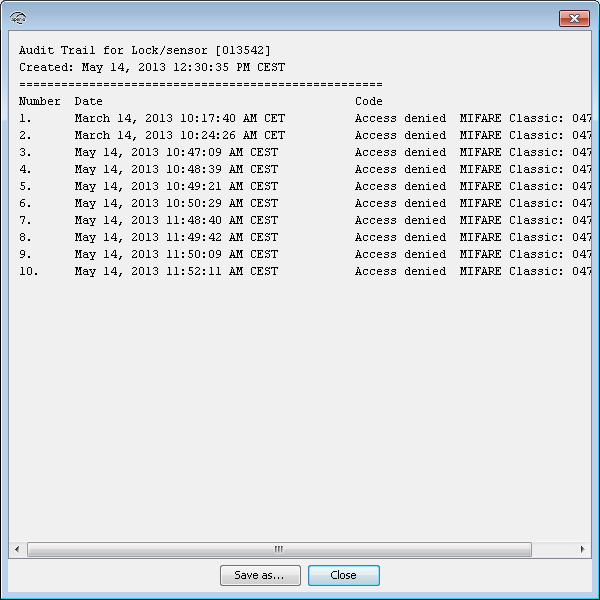
The window contains information on the total number of access attempts including consecutive number, date, access decision and what type of credential that was used at each attempt.