Secure communication is normally set during first configuration of locks/sensors and communication hubs with the configure wizard. Security mode is also accessible through the right click menu.
During normal operation the security mode should not be altered. However, if the hardware must be sent to the factory for service or repair purposes, the security mode must be set to manufacturer mode before service.
Explanation of symbols:
 |
Customer mode | Door is using secure radio communication with the customer encryption key. |
 |
Manufacturer mode | Door is using insecure radio communication with the default encryption key. |
 |
Conflicting modes | The modes in the lock/sensor and the communication hub are not the same. |
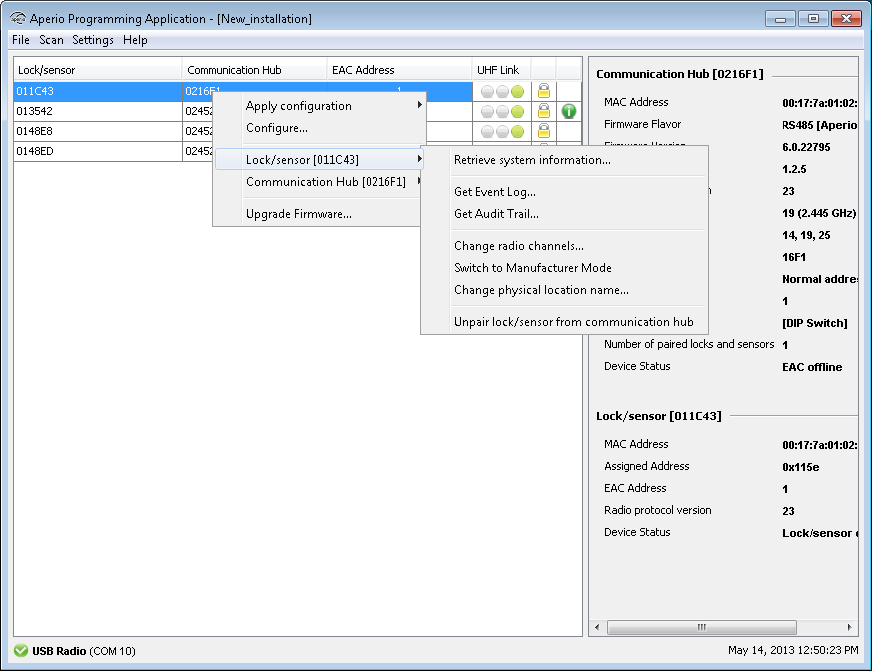
- Right click the door and select Switch to Customer
Mode/Switch to Manufacturer mode.
- Hold the credential at the lock, or engage the magnet for the sensor.
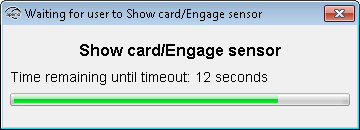
- A progress bar shows that the transfer is being performed.
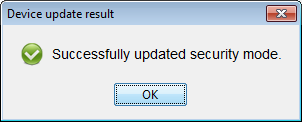
- If the encryption key is successfully loaded you get a message that states “Successfully
updated security mode”. Click OK.
Result: Check the lock symbol at the right side of the door to see that the door has
been set to Customer mode/Manufacturer mode.
