Follow these steps to install the USB radio dongle driver in Windows 7. This installation procedure also works in Windows 8, 7, Vista and XP with identical workflow.
- Run the TriBee_USB_Install.exe file.

- Verify that two USB devices has been installed.

- Connect the Aperio USB radio dongle device to a USB port on your laptop.
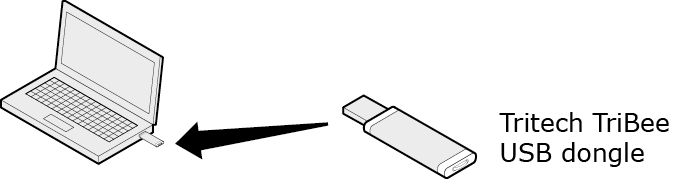 Note: Other USB devices containing a radio (like WLAN/WiFi) connected to the laptop should be placed as far away from the USB Radio dongle as possible. If the radio link is weak, use an USB extension cable or an external USB HUB. However, wireless keyboards and mice using USB does not disturb the communication and can be used.
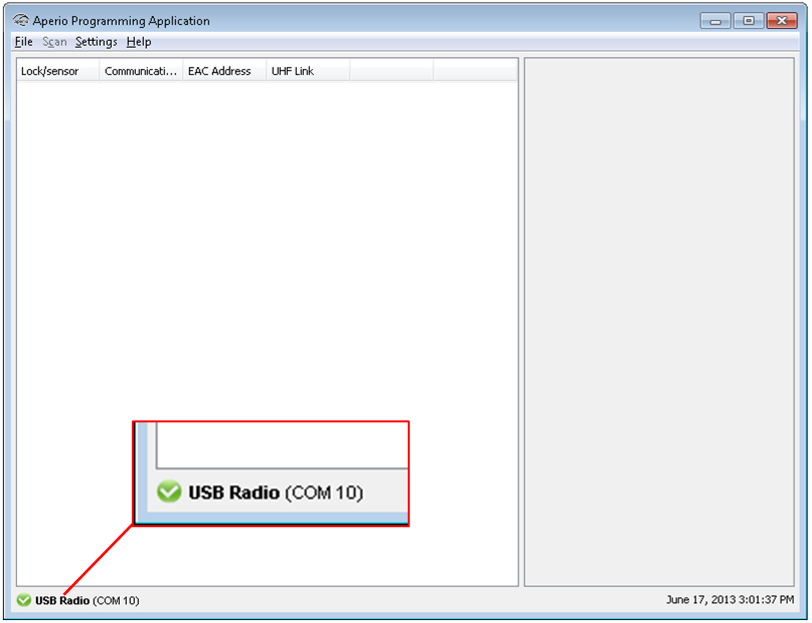
A check mark will appear in the left bottom corner after startup of the
Programming Application, showing the connection status with the USB Radio dongle.