Equipment needed:
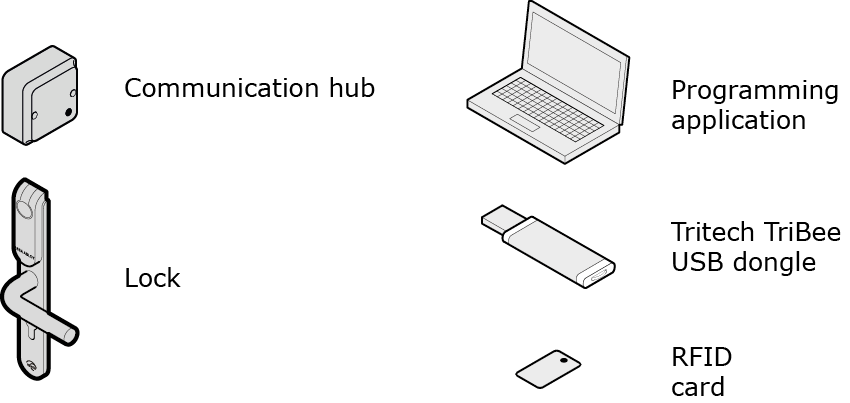
A complete configuration includes the following steps:
- Preparation: Installation of software and powering the Aperio hardware.
- Step 1: making a door installation
- Step 2: scanning for communication hubs
- Step 3: pairing with locks/sensors
- Step 4: configuring locks and communication hubs: setting security mode, addressing mode, override credentials etc.
- Step 5: testing after configuration
For some configurations a number of additional advanced settings can be necessary, such as:
- configuration of status and alarm messages.
- configuration of the radio communication.
These and a number of other advanced settings are described in the Aperio Online Programming Application manual, ref [1].
Note:
The quick installation process does NOT require that the EAC is connected to the Aperio hardware. Quick installation can be performed on hardware not yet mechanically installed.