The first step is to create a new door installation, which will handle all the communication hubs and Aperio locks/sensors in the access system.
Insert the USB Radio dongle and start the Aperio programming application.
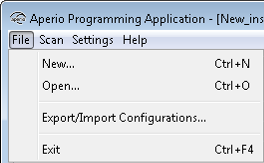
- Select File–New in the Programming Application.
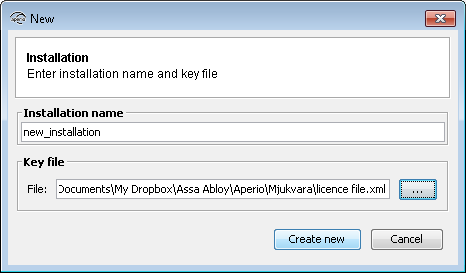
- Enter a name for the installation and click the button in the Key file field to add the
Encryption key.

- Select the key file and click Select. Note! The xml-file (key file) containing the encryption keys should be delivered via encrypted e-mail or on a USB memory stick.
- Click Create new.
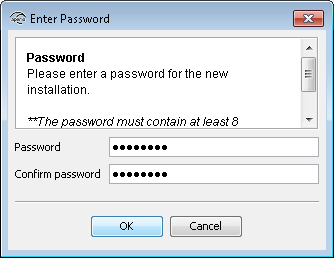
- Enter a password of at least 8 characters for the door installation and confirm it. Click
OK.