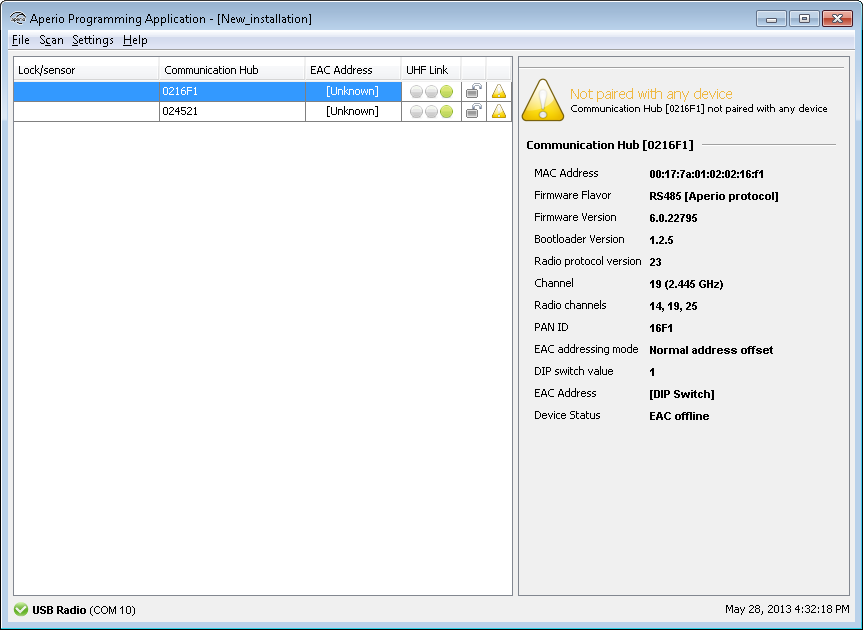
Follow these steps to scan for doors:
- Select Scan-Quick scan to find communication hubs. (Or open a earlier created installation)
Result: All communication hubs within reach of the USB Radio device of your computer are
displayed in the scan result table.
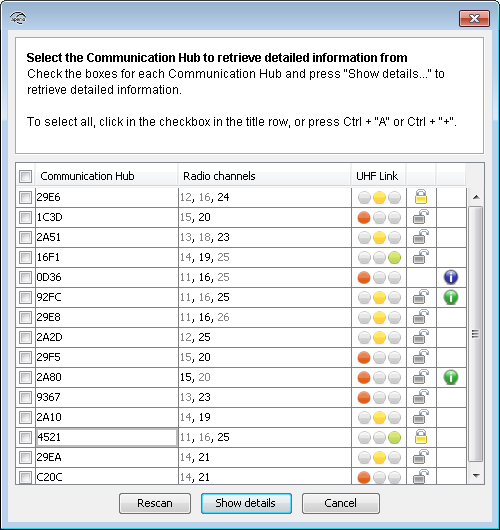
- Locate a communication hub by the last four characters of the communication hub MAC address (ex. 01CF) in the scan result table. The same characters should be on a label on the cover of the communication hub.Click Rescanning if the communication hubs that you want to configure are not shown in the list.
- Select the communication hub(s) that you want to include in your installation. Click Show details to view detailed information in the installation view.