AH30 version of the communication hub can be paired with a combination of up to 8 locks/sensors. AH15/AH20 can manage one lock/sensor.
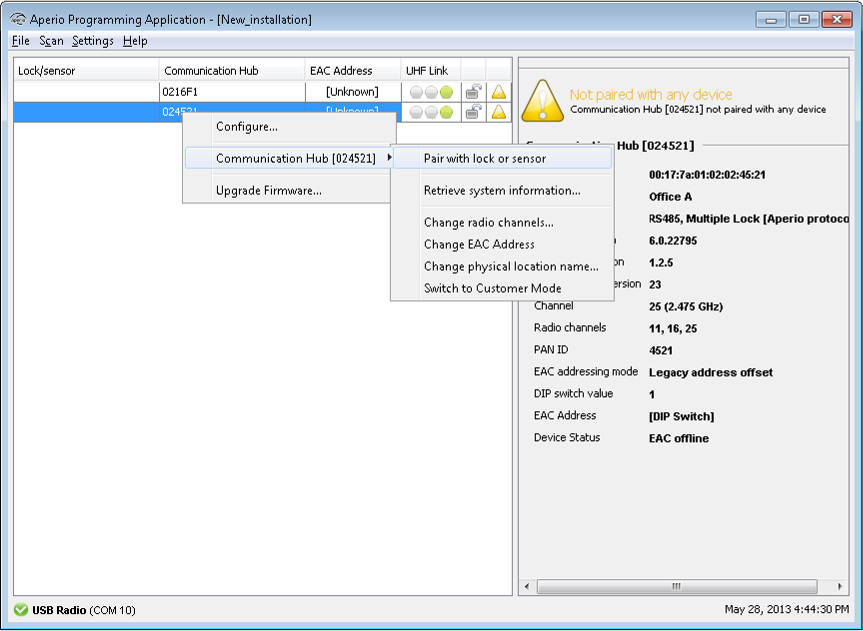
- Right click and select Communication hub - Pair with lock or sensor.
- The pairing process starts. Swipe the Mifare credential at the lock/sensor to pair it with the
communication hub.
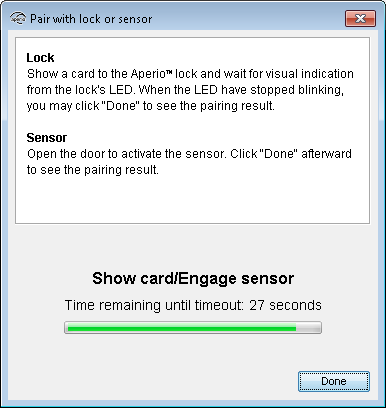
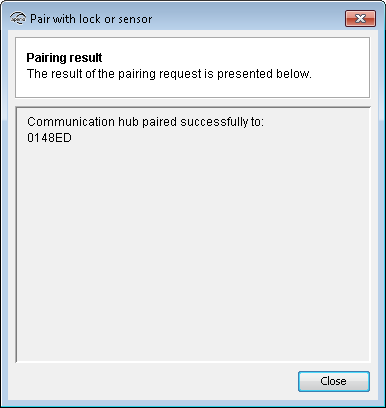
- When the lock has stopped blinking you can click “Done” to see the pairing
result.
Result: The result is displayed.
- Repeat the pairing for all communication hubs and locks/sensors within reach of the USB Radio Dongle.