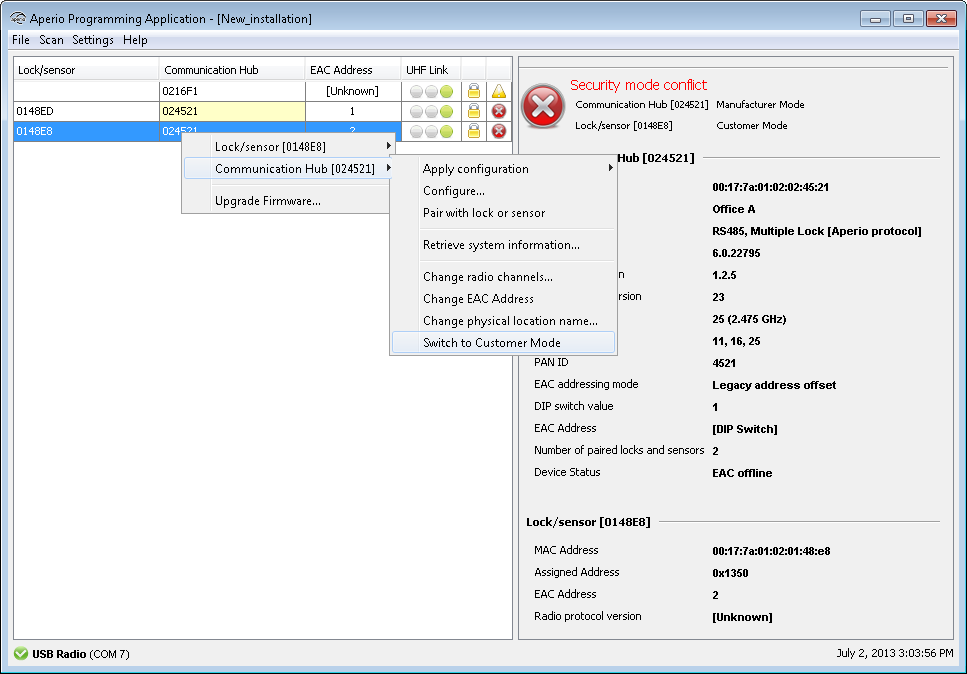
If you have more than one lock that will use the same configuration you can apply the recently saved configuration on any lock in your installation.
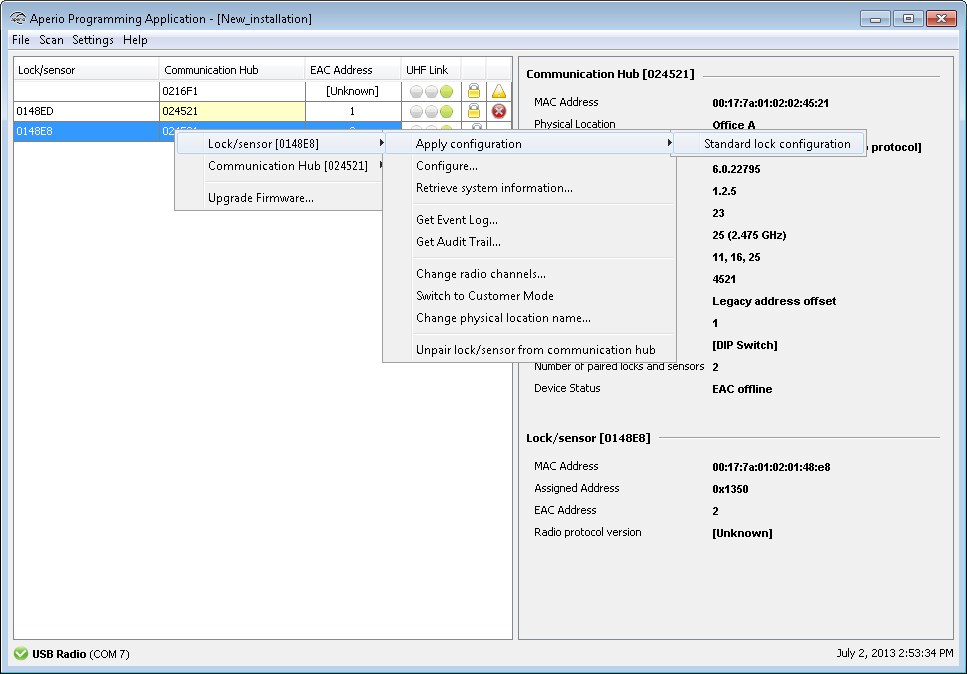
- Right click on a lock and select Lock/sensor – Apply configuration – [your
configuration]
- Confirm the update by clicking Confirm.

- Hold the credential in front of the lock/sensor to download the configuration.

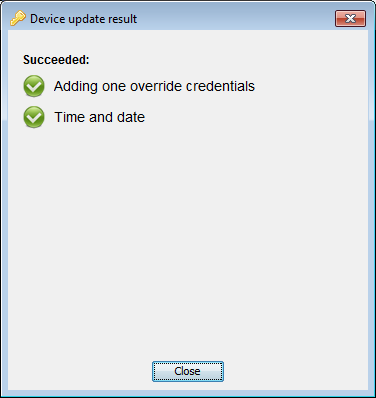
- After successful update, click Close.
- Repeat the configuration for all locks paired to the communciation hub.
- Finally activate customer mode for the communication on the right click menu, .