This setting will apply for both the communication hub and the lock if only one lock is
paired.
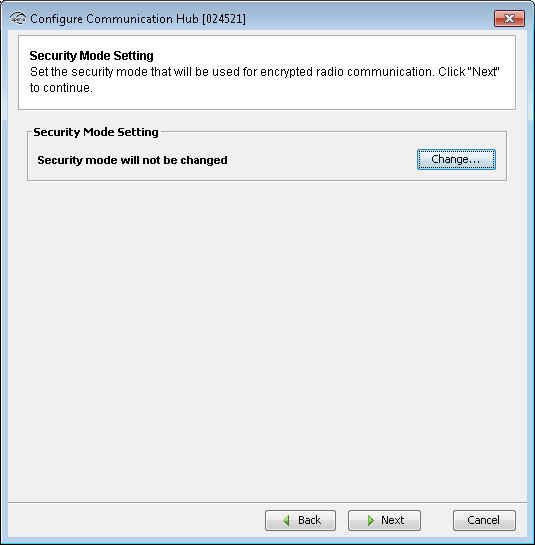
- Click Change in the Security Mode Setting area if you want to change the security mode, or click Next.
- To change to customer mode, check the checkbox and click OK.
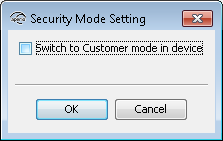 Note: The default mode is Manufacturer mode, but you should always change it to Customer mode. If you change to Manufacturer mode key the lock will no longer be using secure radio communication.