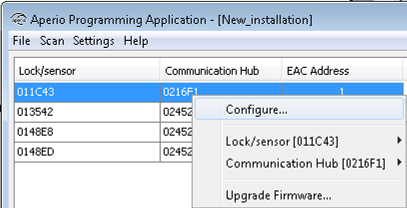
Open the configure function by right clicking a communication hub or lock/sensor and
selecting Configure.
Depending on the hardware, different windows will appear in the wizard.
Note: If more than one lock is paired to the hub the Configure menu is
found on the lock and sensor sub-menus
respectively.
The following sections describe each window in the wizard.