If you saved a configuration in the configuration wizard, you can apply it to numerous locks/sensors. This function is available on both the Lock/sensor menu and the communication hub menu and will only download settings that apply for the hardware selected.
Follow these steps to download a saved configuration to a lock/sensor:
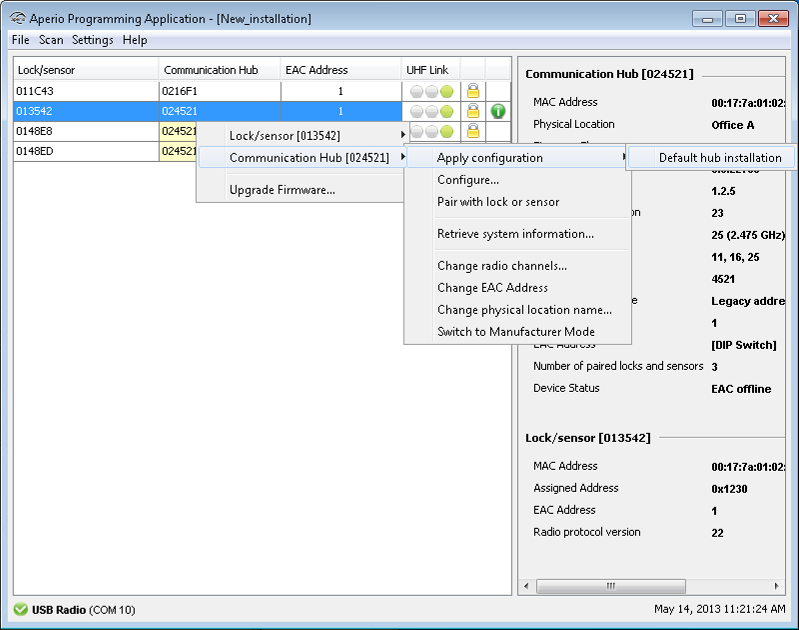
- In the Installation view, right-click the desired lock/sensor and
select Apply configuration and an earlier stored configuration.
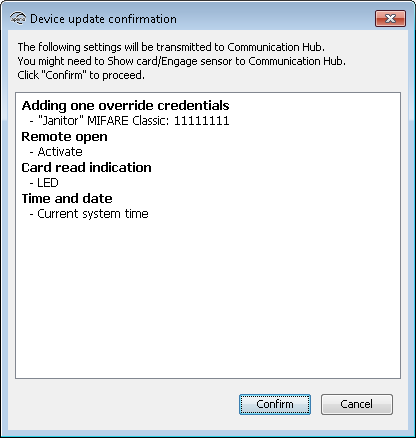
- Click Confirm to start the transfer.
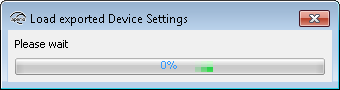
- Wait for the transfer to finish.
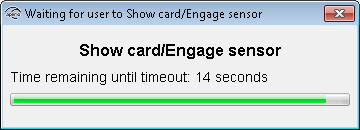
- Hold the credential at the lock, or engage the magnet for the sensor, to accept the
configuration. (This will not be required when downloading configuration to a
communication hub.)
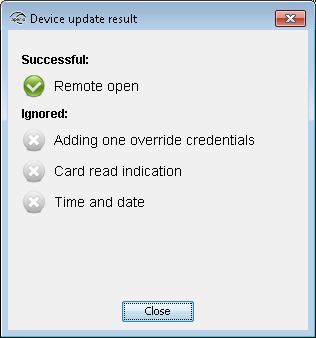
- The result is shown. The settings that could not be transferred to the specific hardware
are ignored. Click Close to finish.
- Repeat all the steps from the beginning of this section for every lock/sensor you want to configure with a saved configuration.