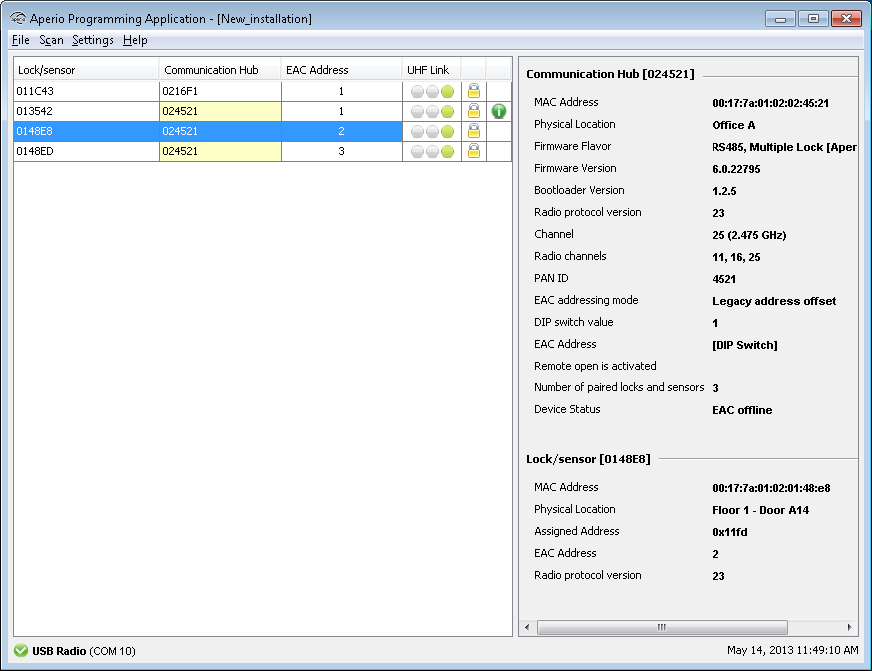
This function applies to both communication hubs and locks/sensors. In the example below the
physical location name is changed for a lock/sensor.
- Right click and select
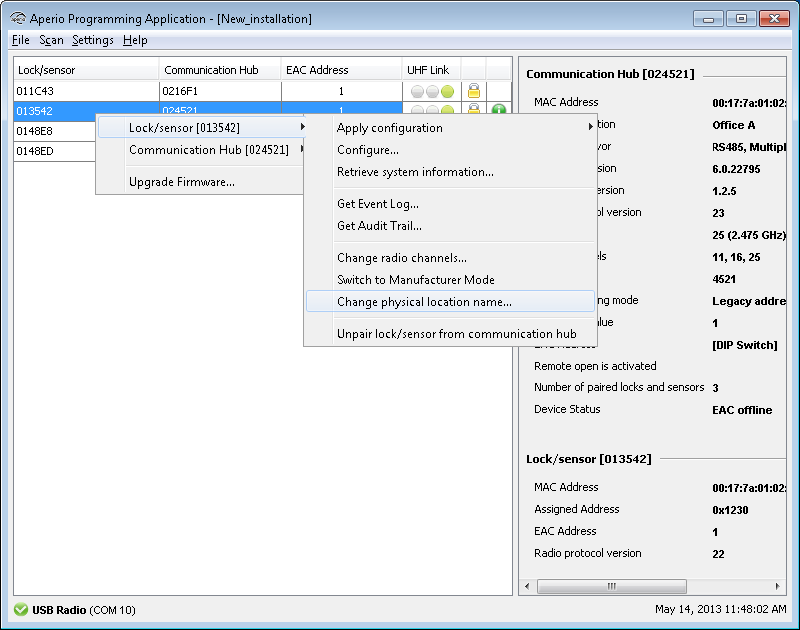
- Enter a description that clearly identifies the lock position and click
OK.
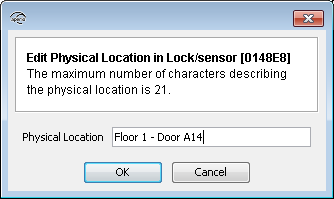
- For a communication hub the information is updated immediately. If you change the
physical location name for a lock/sensor you will be prompted to hold the credential at
the lock, or engage the magnet for the sensor.
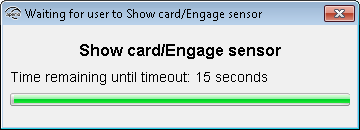
Result: After successful reading a progress bar shows the download. After update the
new location name can be found in the Lock/sensor section on the lower right side of the
installation view.