Note: This window is only visible if Show advanced settings is activated
in User Settings window, see section User settings.
- Click Change to enter specific Keypad configuration.
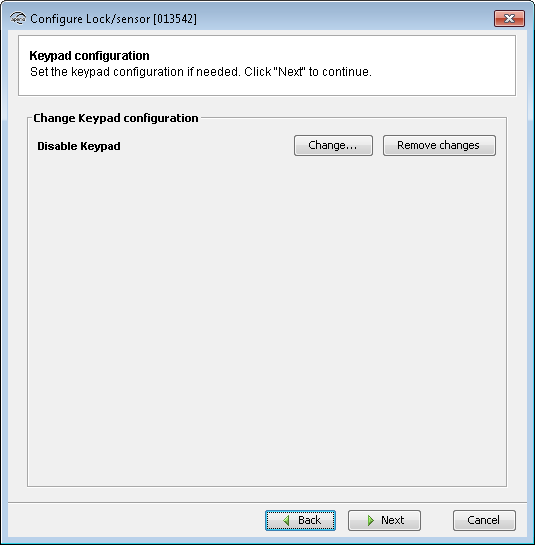
- Choose between two reading modes:
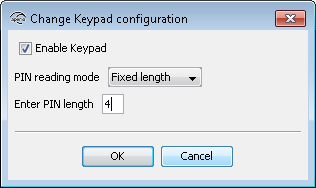
- Fixed length: PIN is set to use a fixed length.
- Enter PIN length: A value between 1 and 16, as specified by the EAC.
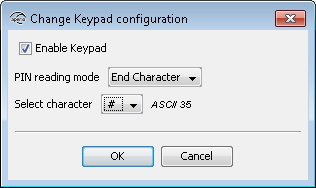
- End character: PIN is sent to the EAC after an end character is pressed.
- Select Character: One of the non-numeric characters on the keypad can be used to submit the pin. For example: The user enters the PIN followed by a # on the keypad.